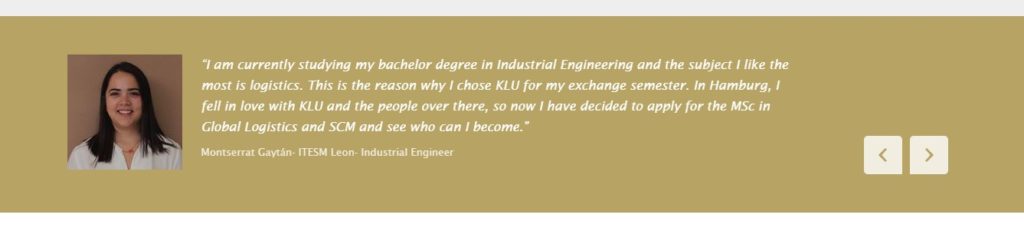
How to create a quote.
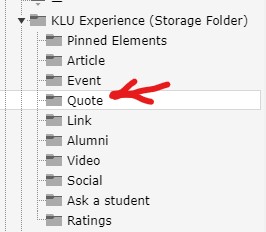
In the KLU Experience Storage folder, choose Quote.
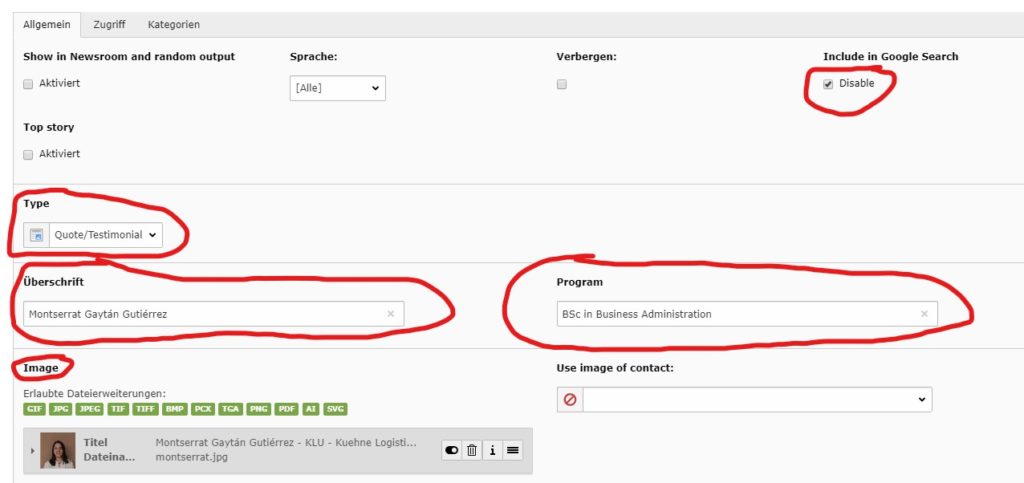
After adding a new element, choose Type Quote/ Testimonial, add a Headline and the Program as well as a picture.
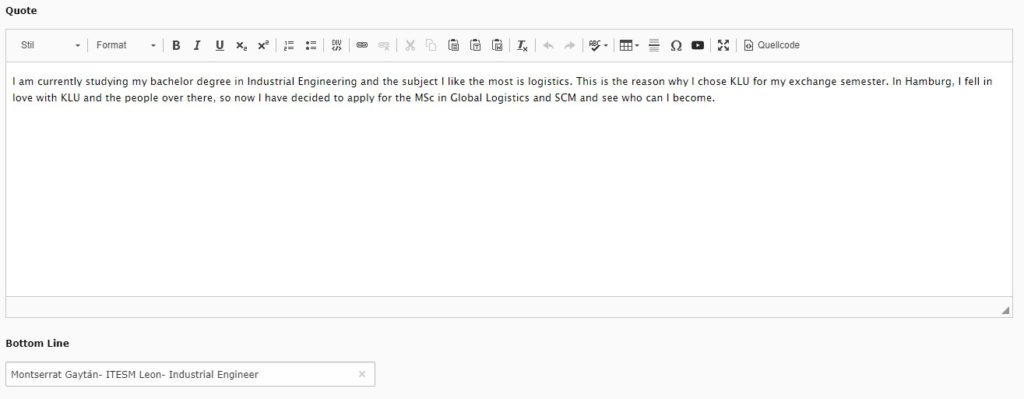
Add the Quote and the text below the quote (Bottom Line).
How to create a quote.
In the KLU Experience Storage folder, choose Quote.
After adding a new element, choose Type Quote/ Testimonial, add a Headline and the Program as well as a picture.
Add the Quote and the text below the quote (Bottom Line).