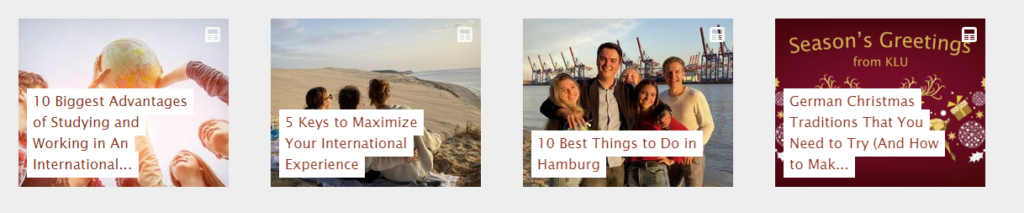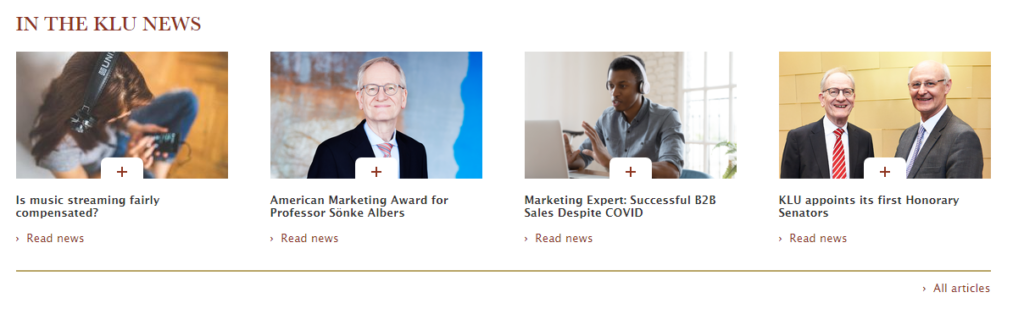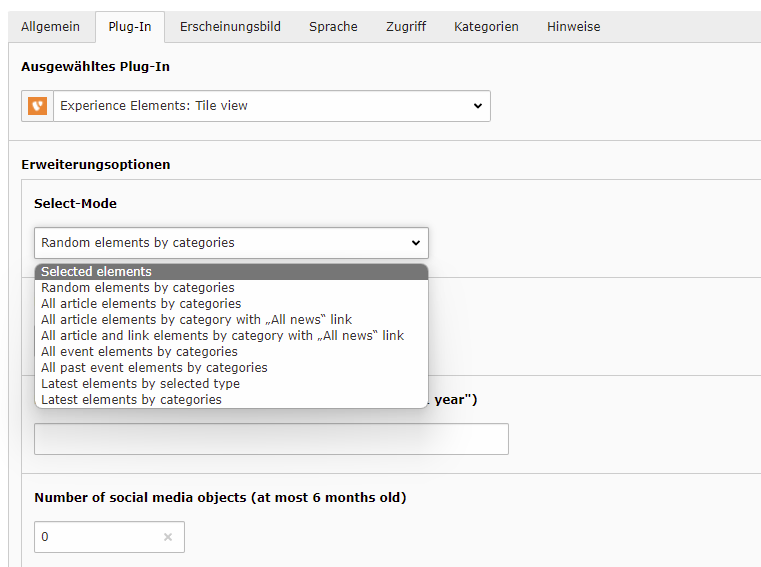
Articles can be displayed with the following modes:
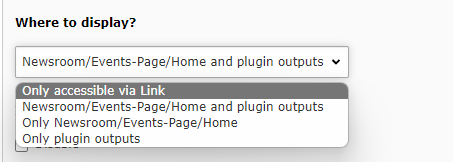
- Only accessible via link: The article is only via link/ URL accessible and is not displayed anywhere on the website. Choose this display mode for getting an approval or for sharing a draft.
- Newsroom/ Events-Page/ Home and plugin outputs: The article is displayed in all possible elements on the website. Choose this display mode for publishing an article on the website without limitations to elements.
- Only Newsroom/ Events-Page/ Home: The article is not displayed in plugins. Choose this display mode when you want to publish an article which is shown in the newsroom, but not on (e.g.) professor profiles.
- Only plugin outputs: The article is only displayed in plugin outputs, but not in the newsroom or on the home/start page. Choose this display mode in order to publish an article only in plugins (e.g. on the blog page).
Possible Plug-in outputs
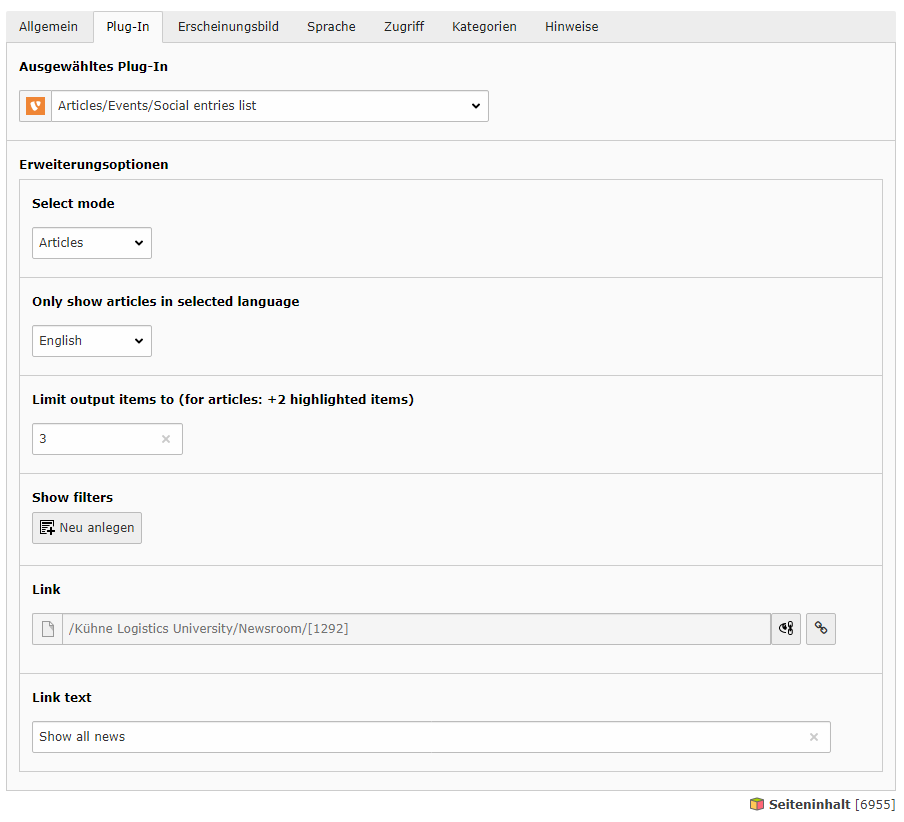
Articles/ Events/ Social entries list
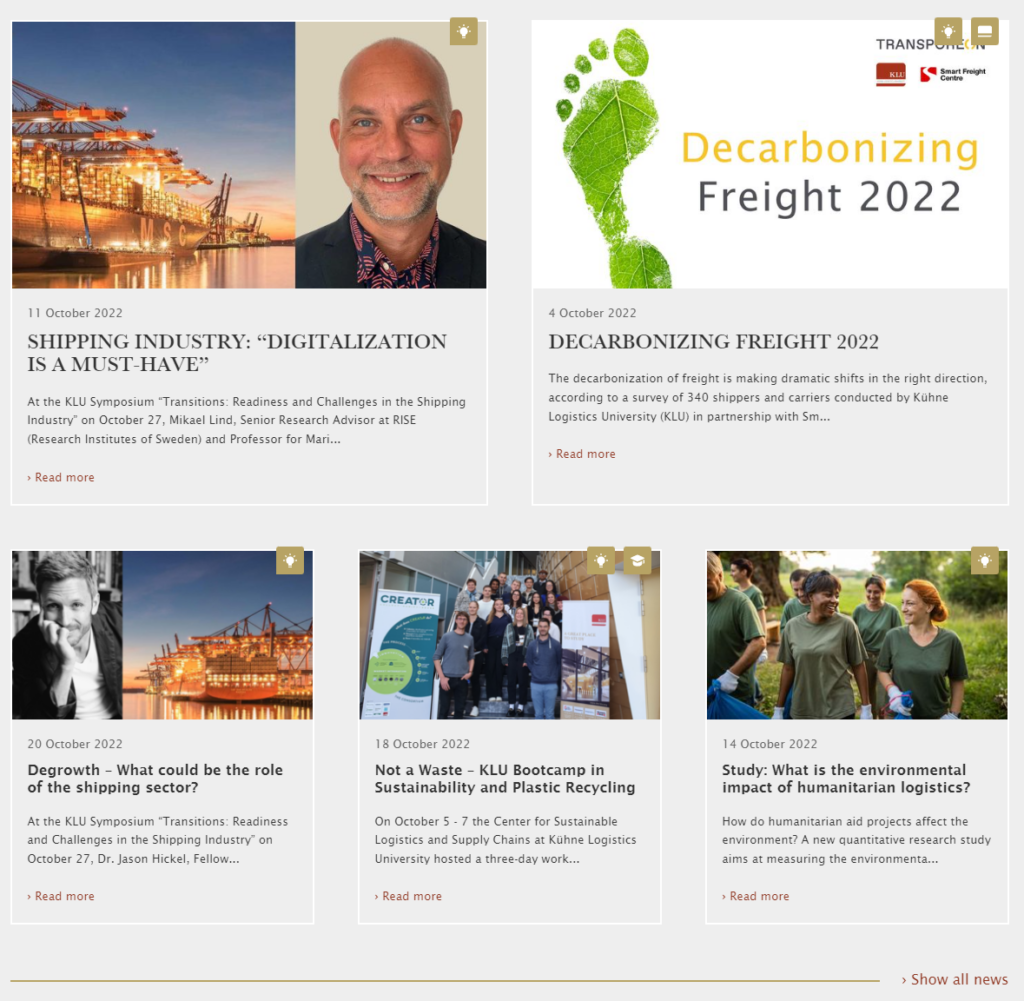
Tile view