Description for adding a YouTube video to a text & media element, for instance in an article or on a website in TYPO3. We explain it by an article, but it works in all text & media elements the same.
Explanation exemplified by an article
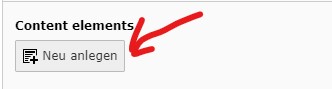
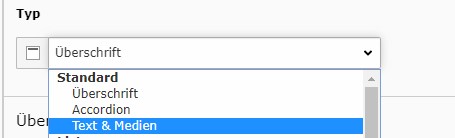
We jump directly into a new article. After opening the new article, at first you have to add a new content element, in this case the element text & media.
Get the video link
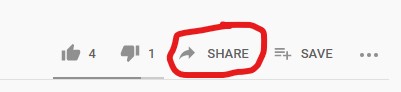
After adding the element, go to YouTube in order to get the video link. Attention: Don’t use the URL. Go to the video, click on share and copy the address from there.
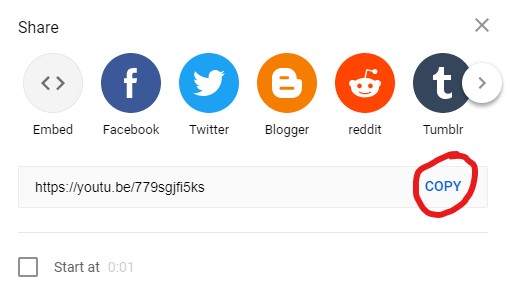
Add the video
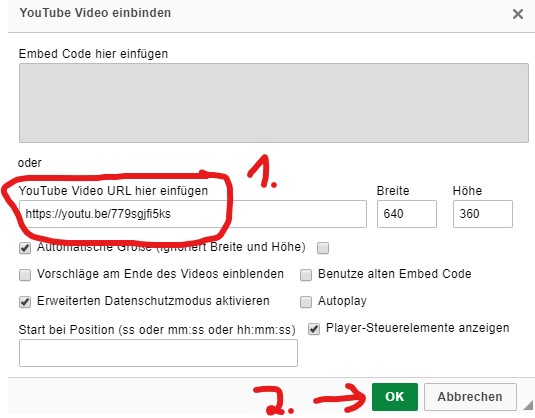
After getting the URL from YouTube, you simply click on the YouTube button in the text editor, paste the address and click “ok”. That’s it.