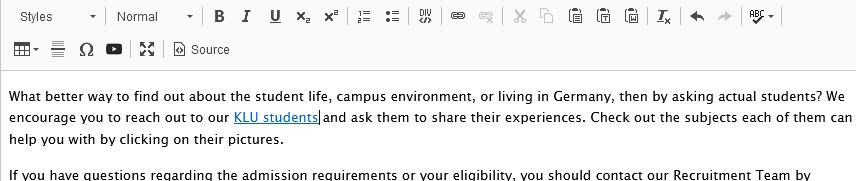
Adding a Document to a word or even an entire sentence is similar to how you would add a link to an external website. The only difference being that you’re pointing inward, to one of our files.
How To
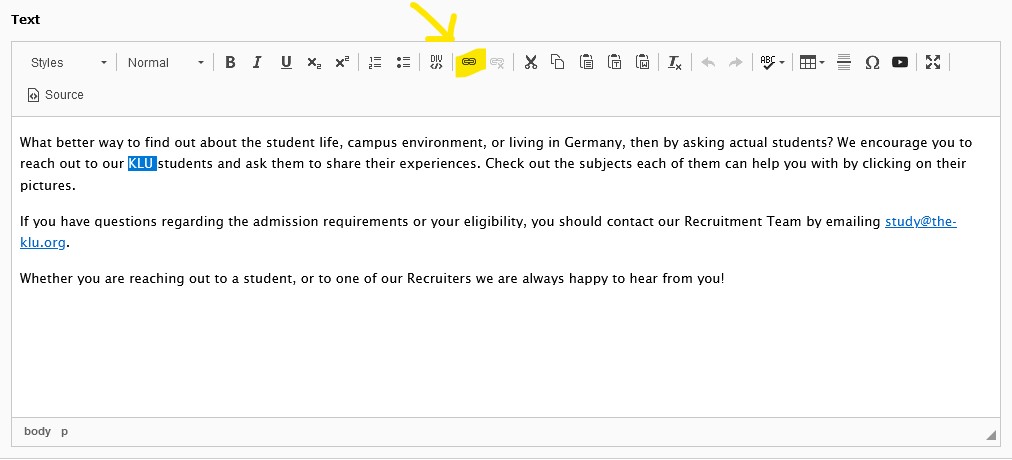
First, you selected the word(s) you’d like to link with the document. Then you click on the “chain” or “link” symbol as pointed out by the yellow arrow in the following picture.
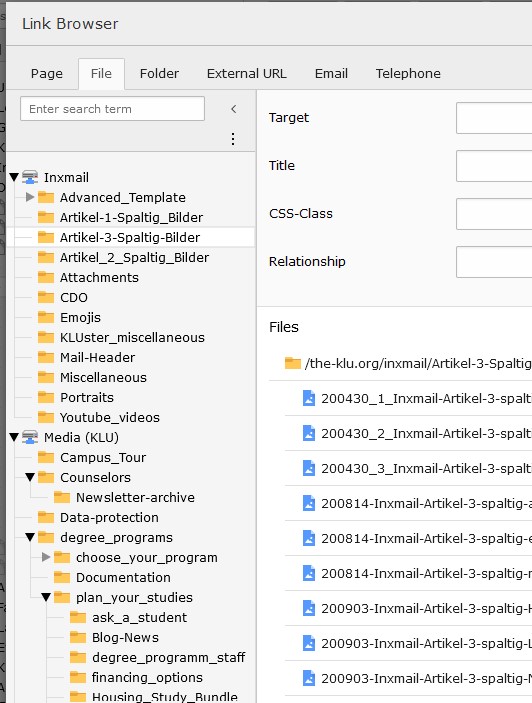
This will open the Link Browser. From here, you can select the type of item you want to link the word with. In this case it’s a file.
Simply search for the file you’ve uploaded or upload a new one in a corresponding folder. Select the file and voila! You’ve got a file linked to your text.
Result
This is the end result: it looks like a normal linked text.